
TL;DR:
- Regular audits and rationalization of public IPs reduce exposure and associated risks.
- Implement layered security controls and continuous monitoring to protect remaining public IPs effectively.
- Ongoing reputation management, geolocation accuracy, and automated tools are essential for secure public IP management.
Public IP addresses are the gateways your organisation relies on to deliver services, connect remote teams, and communicate with the internet. They are also the most directly exposed part of your infrastructure. One misconfigured firewall rule, one unmonitored endpoint, or one overlooked blacklisting can cascade into an outage, a breach, or a compliance failure before your team has time to react. This checklist cuts through the noise and gives IT professionals and network administrators a structured, repeatable process for securing, monitoring, and troubleshooting every public IP in your environment.
Table of Contents
- Assess exposure and minimise risk
- Verify security controls and monitoring
- Check for blacklisting and reputation issues
- Identify and resolve geolocation and dynamic IP issues
- A smarter approach to public IPs: go beyond the checklist
- Supercharge your public IP management with the right tools
- Frequently asked questions
Key Takeaways
| Point | Details |
|---|---|
| Minimise public exposure | Assign public IPs only if necessary and prefer private or internal endpoints to reduce risk. |
| Layer security defences | Combine firewalls, WAFs, and DDoS protection to mitigate attacks aimed at public IPs. |
| Check blacklists regularly | Ensure your public IP is not blacklisted to maintain connectivity and email deliverability. |
| Monitor for geo errors | Verify location accuracy, as IP geolocation mistakes can affect access, analytics, and compliance. |
Assess exposure and minimise risk
The first and most important step in any public IP checklist is knowing exactly what you are exposing. Many organisations accumulate public IPs over time, assigning them to cloud instances, on-premise servers, and development environments without a central register. That sprawl is a serious problem.
Start by auditing every device and service currently assigned a public IP address. This includes cloud virtual machines, load balancers, API gateways, on-premise edge routers, and any legacy systems still running internet-facing services. Once you have a complete inventory, ask a harder question for each entry: does this actually need to be publicly reachable?
The answer is often no. Private endpoints, VPN tunnels, and internal load balancers can serve the same function for many workloads without exposing them directly to the internet. Understanding IP geolocation explained is also useful here, because knowing where your traffic originates helps you identify which exposures are genuinely necessary.
Here is a practical sequence for rationalising your public IP exposure:
- Export a full list of all public IPs from your cloud console, IPAM tool, or network documentation.
- Map each IP to a specific service, owner, and business justification.
- Identify services that could move behind a VPN or private endpoint.
- Decommission or reassign IPs with no active justification.
- Document the approved list and set a review cadence of at least every 90 days.
Once you have trimmed unnecessary exposure, address the remaining attack surface. Common vectors against public IPs include distributed denial-of-service (DDoS) attacks, brute force login attempts, and automated port scanning by botnets. Each of these exploits the simple fact that a public IP is reachable by anyone.
Public IPs expose services to internet threats including DDoS, brute force, and exploitation. Mitigate with layered defences such as network security groups, firewalls, web application firewalls, and DDoS protection.
Pro Tip: Apply the principle of least privilege to IP assignment. If a service does not need a public IP today, do not assign one. Removing unnecessary exposure costs nothing and eliminates entire categories of risk.
Layered defence is not optional. Firewall rules alone are insufficient. You need a web application firewall (WAF) for HTTP services, DDoS mitigation at the network edge, and intrusion detection to catch what the perimeter misses.
Verify security controls and monitoring
After reducing exposure, the next critical step is confirming that every remaining public IP is protected by robust, tested controls and that you will know immediately when something goes wrong.
Work through this checklist for each public IP in your approved inventory:
- Firewall rules: Are inbound and outbound rules specific, documented, and reviewed regularly? Generic "allow all" rules are a red flag.
- WAF configuration: Is the WAF tuned to your application's traffic patterns, or is it running on default settings? Default configurations miss a significant proportion of real-world attacks.
- DDoS mitigation: Is a volumetric DDoS protection service active? Cloud-native options like Azure DDoS Protection or AWS Shield are worth the cost for any production workload.
- Intrusion detection: Are alerts configured for abnormal connection volumes, repeated authentication failures, or unexpected geographies?
- Log retention: Are logs from public-facing services stored for at least 90 days and reviewed on a scheduled basis?
Monitoring is where many teams fall short. Setting up controls is one thing; knowing they are working is another. Industry analysis consistently shows that over 70% of targeted attacks exploit improperly secured public IPs, often because defences exist on paper but are misconfigured in practice.

Review your alert thresholds regularly. A rule that triggers on 1,000 failed logins per hour may have made sense two years ago but is now far too permissive given the volume of automated credential-stuffing tools in circulation.
You should also check whether any of your public IPs have appeared on abuse or reputation databases. Running a regular check if your IP is blacklisted against known threat intelligence feeds gives you early warning before a listing affects your mail delivery or customer-facing services.
Pro Tip: Schedule quarterly external scans of your public IPs using tools such as Shodan or Nmap from an external vantage point. What you see from outside your network is what attackers see. Reviewing Azure Public IP security best practices alongside your own policy documents keeps your controls aligned with current guidance.
Check for blacklisting and reputation issues
With strong controls in place, maintaining a clean reputation is the next challenge. A public IP can become blacklisted even on a well-managed network, particularly if a compromised device sends spam, participates in a botnet, or triggers abuse reports from third-party services.
The most important blacklists to check regularly include Spamhaus, MXToolbox, and SORBS. Each targets different categories of abuse, from email spam to open proxies and dynamic address ranges. A listing on any of these can cause mail delivery failures, blocked API calls, and degraded service for legitimate users.
Symptoms that suggest your IP may be blacklisted include:
- Outbound email bouncing with "550" or "blocked" error codes
- Customers reporting they cannot reach your service from certain networks
- Sudden drops in email open rates or delivery confirmation
- API calls to third-party services returning unexpected 403 or connection-refused errors
If you suspect a listing, use an online blacklist checker to confirm which databases have flagged your IP. A free IP blacklist check covers the most commonly referenced lists in seconds.
Once confirmed, follow these steps in order:
- Identify and isolate the compromised or misconfigured device responsible.
- Remove malware, close open relays, and patch exploited vulnerabilities.
- Secure SMTP configuration and enforce authentication (SPF, DKIM, DMARC).
- Verify the issue is fully resolved before submitting a delisting request.
- Submit delisting requests directly to each blacklist authority with evidence of remediation.
As detailed in guidance on blacklisted public IP address fix, cleaning the root cause before requesting delisting is essential. Submitting too early results in re-listing, which extends the damage window considerably.
| Blacklist | What it targets | Average delisting time |
|---|---|---|
| Spamhaus SBL | Known spam sources | 1 to 3 days post-fix |
| MXToolbox | Multiple abuse categories | 24 to 48 hours |
| SORBS | Open proxies, spam, dynamic IPs | 2 to 7 days |
Ongoing reputation hygiene means monitoring proactively, not reactively. Set up automated alerts that notify your team the moment an IP appears on a major list.
Identify and resolve geolocation and dynamic IP issues
Finally, check geolocation data and dynamic addressing, as these silent issues often emerge even on well-defended and reputable IPs. Geolocation is the process of mapping an IP address to a physical location, and it affects access control decisions, compliance enforcement, and traffic analytics across your environment.
The uncomfortable truth is that city-level geolocation accuracy is often only 70 to 80% reliable. Research into real-world deployments shows geolocation errors of 20 to 30% at city level, caused by VPNs, mobile internet routing, corporate proxies, and the way ISPs allocate dynamic address blocks. If your access control or compliance rules rely on geolocation data, that error rate has direct operational consequences.
Signs your public IP is suffering from geolocation problems include:
- Users in the correct region being blocked by geo-based access controls
- Analytics dashboards showing traffic from unexpected countries
- Content delivery networks routing users to distant servers
- Compliance tools flagging transactions from the wrong jurisdiction
For a deeper look at how this affects security posture, reviewing geolocation accuracy in 2026 provides current context on the state of IP-based location data.
| IP type | Typical problems | Resolution approach |
|---|---|---|
| Static public IP | Stale geo database entries | Request database update from major providers |
| Dynamic public IP | Frequent location mismatches | Use DDNS, communicate changes to providers |
| Proxy-assigned IP | Geo points to proxy location | Disclose proxy use, update routing documentation |
To resolve geolocation issues, contact your ISP to confirm the registered location for your IP block, submit correction requests to geolocation database providers such as MaxMind or IP2Location, and monitor for changes after each dynamic IP reassignment. For dynamic environments, dynamic DNS (DDNS) services help maintain consistent records as addresses change.
A smarter approach to public IPs: go beyond the checklist
Checklists are foundational, but they carry a hidden risk: teams complete them once, file the results, and assume the job is done. The threat landscape does not work that way. New cloud services spin up, team members make undocumented changes, and misconfigurations drift back in over weeks or months.
The organisations that manage public IPs most effectively treat the checklist not as a one-off audit but as a continuous process embedded in their engineering culture. Minimal exposure and automated policy enforcement should be the default state, not something you restore after an incident. Integrating your checklist into CI/CD pipelines and infrastructure-as-code validation catches drift and unauthorised changes before they reach production.
Real-time anomaly detection matters more than periodic reviews. A quarterly scan tells you where you stood three months ago. Continuous monitoring tells you what is happening right now. Keeping pace with geolocation and security trends is equally important as cloud and edge computing push more services to the network boundary, multiplying the number of public IPs your team must govern.
Pro Tip: Build your checklist into your compliance pipeline. Automated drift detection that flags new public IPs or changed firewall rules within minutes is far more effective than any manual review cycle.
The checklist in this article gives you the right criteria. The real differentiator is making it automatic.
Supercharge your public IP management with the right tools
Completing a public IP checklist is only as effective as the tools you use to validate each step. Manually cross-referencing firewall rules, blacklists, and geolocation records across multiple platforms wastes time and introduces gaps.
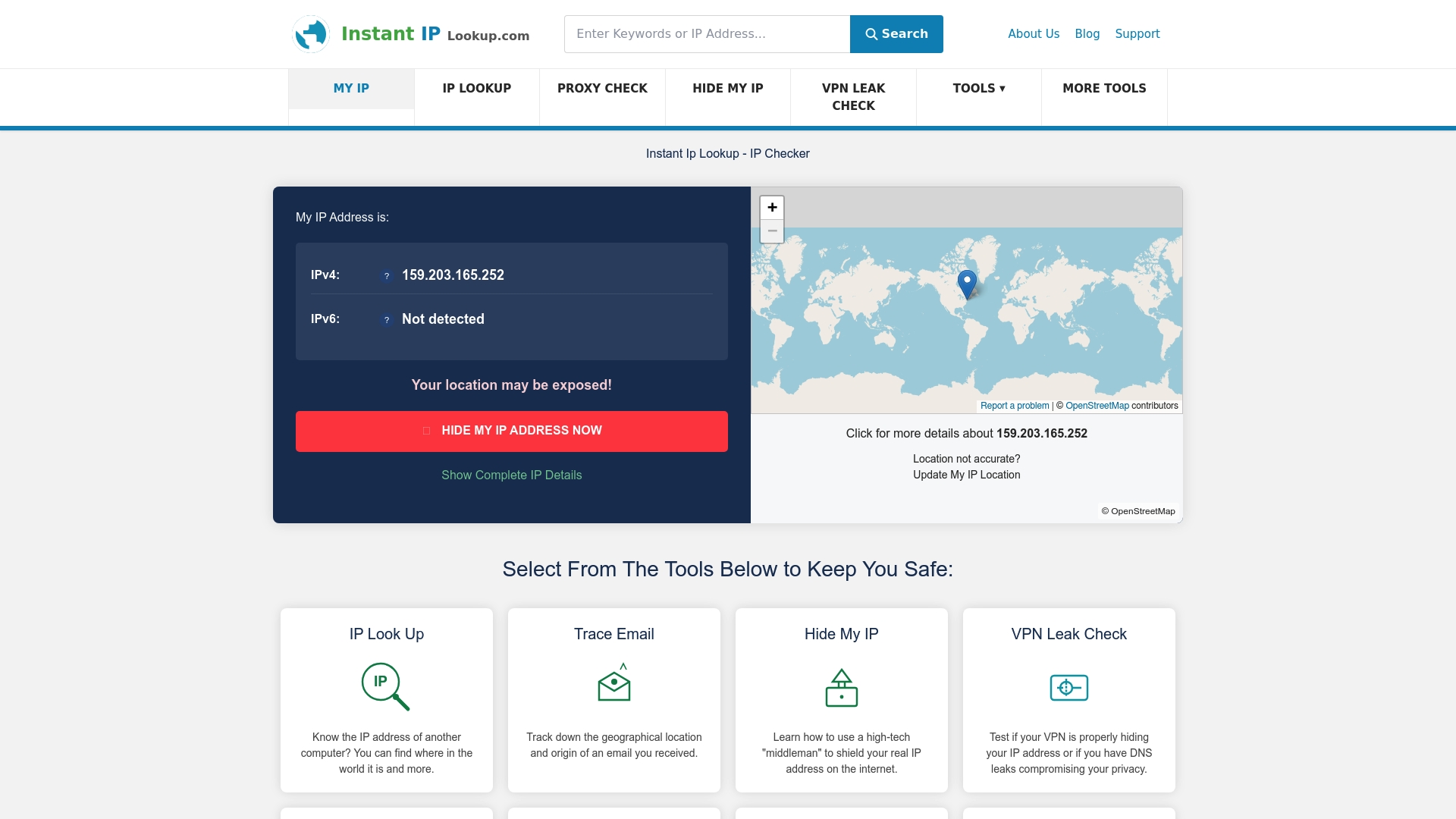
InstantIPLookup.com brings the most critical validation steps into one place. Use the IP address lookup tool to instantly confirm ownership, ISP, and geolocation data for any public IP in your inventory. Run a blacklist checker to verify reputation status in seconds, and access the full IP address lookup guide for advanced troubleshooting workflows. Every step of your checklist has a corresponding tool ready to validate it, so your team spends less time searching and more time securing.
Frequently asked questions
What is a public IP address and why does it matter for security?
A public IP address is a unique, internet-routable identifier assigned to your devices or services, and securing it is critical because public IPs expose services directly to threats including DDoS attacks, brute force attempts, and exploitation by malicious actors.
How can I tell if my public IP has been blacklisted?
Use a dedicated blacklist checking tool to query databases such as Spamhaus and MXToolbox and confirm whether your IP appears on any spam or abuse registries.
What causes geolocation errors with public IP addresses?
Geolocation errors are most commonly caused by VPNs, corporate proxies, mobile routing, and dynamic address allocations, producing 20 to 30% city-level inaccuracies that can disrupt access controls and compliance checks.
Can I fix my public IP's reputation if it is blacklisted?
Yes. After identifying and removing the root cause, such as malware or an open mail relay, you can request delisting directly from each blacklist authority once your fixes are verified.