
Nearly 3 billion malicious sessions were recorded from 3.8 million unique IP addresses in a single reporting period, according to GreyNoise's 2026 threat data. That figure alone should reframe how you think about IP addresses. They are not simply technical labels assigned to devices. They are the fingerprints of every connection touching your network, and understanding them is one of the most practical steps you can take to protect your business from digital threats. This article walks you through how IP addresses work in a security context, how attackers exploit them, and what your organisation can do right now to use IP intelligence as a genuine line of defence.
Table of Contents
- Understanding IP addresses in business security
- IP addresses and threat detection: how businesses spot attacks
- IP blocklists, allowlists, and their limitations
- Best practices for using IP intelligence in business security
- Connect your business with IP intelligence tools
- Frequently asked questions
Key Takeaways
| Point | Details |
|---|---|
| IP addresses are critical | They underpin business network security, enabling identification and control over access. |
| Dynamic monitoring is essential | Static lists miss new threats; real-time IP tracking improves detection and response. |
| Layered security works best | IP controls should be combined with identity and multi-factor checks to maximise safety. |
| Tools simplify IP intelligence | Modern lookup and geolocation tools make IP-based threat detection accessible for businesses. |
Understanding IP addresses in business security
An IP address (Internet Protocol address) is a unique numerical label assigned to every device that connects to a network. Think of it like a postal address for data: without it, information has nowhere to go and no way to return. Every time a customer visits your website, an employee logs into your systems, or a supplier accesses your shared portal, an IP address is involved.
For business owners, this matters because IP addresses create a traceable record of who is interacting with your network and from where. Your firewall, server logs, and access control systems all rely on IP data to function. The IP address role in website security extends far beyond simple identification. It underpins audit trails, access policies, and real-time threat responses.
Here is what IP addresses enable in a business security context:
- User identification: Linking sessions to specific devices or locations
- Activity logging: Creating audit trails for compliance and forensic investigation
- Access control: Restricting or granting entry based on known IP ranges
- Anomaly detection: Flagging unusual patterns such as logins from unexpected countries
- Threat intelligence matching: Cross-referencing IPs against known malicious sources
A common misconception is that IP addresses are too technical to matter at the executive level. In reality, IP monitoring for threat detection involves logging anomalies, geolocation data, and matching activity against threat intelligence feeds. These are strategic security decisions, not just IT tasks.
Pro Tip: Ask your IT team to show you a sample of your server access logs. The volume and variety of IP addresses attempting to connect to your systems will likely surprise you.
Now that we appreciate how IPs anchor online business interactions, let us explore their role in threat detection.
IP addresses and threat detection: how businesses spot attacks
IP-based threat detection is the practice of monitoring incoming and outgoing connections for signs of malicious intent. It sounds straightforward, but the scale of the problem is significant. 67% of attacks involve IP exploitation, and over half of remote code execution attempts originate from previously unseen IP addresses. That last point is critical: you cannot simply block a list of known bad actors and call it done.

Geolocation is one of the most powerful tools in this space. By mapping an IP address to a physical location, your security systems can detect suspicious activity using geolocation and flag logins from regions where you have no business presence. If your finance director is based in Manchester and an access attempt comes from an IP registered in Eastern Europe at 3am, that is a signal worth investigating immediately.
Behaviour analysis adds another layer. Rather than reacting to a single suspicious IP, modern systems track patterns: repeated failed logins, rapid requests across multiple endpoints, or access attempts that jump between geographic regions within minutes. These behavioural signatures often reveal automated attacks or compromised credentials.
"The majority of remote code execution attempts in 2026 originate from IP addresses that have never been seen before, making historical blocklists an insufficient defence on their own." — GreyNoise 2026 State of the Edge Report
Here is how businesses typically structure their IP threat detection process:
- Collect logs from firewalls, web servers, and authentication systems
- Normalise the data so IP addresses are consistently formatted and timestamped
- Cross-reference IPs against threat intelligence feeds and reputation databases
- Apply geolocation analysis using tools like the IP geolocation guide to contextualise access attempts
- Set automated alerts for anomalies such as impossible travel or high-frequency requests
- Escalate and investigate flagged sessions with your security team
| Detection method | What it identifies | Limitation |
|---|---|---|
| Reputation matching | Known malicious IPs | Misses unseen IPs |
| Geolocation analysis | Unusual geographic access | VPNs can obscure location |
| Behavioural analysis | Abnormal usage patterns | Requires baseline data |
| Threat intelligence feeds | Emerging attack sources | Feeds need constant updating |
Having looked at how IPs help spot threats, let us examine their function in controlling access and blocking potential attackers.
IP blocklists, allowlists, and their limitations
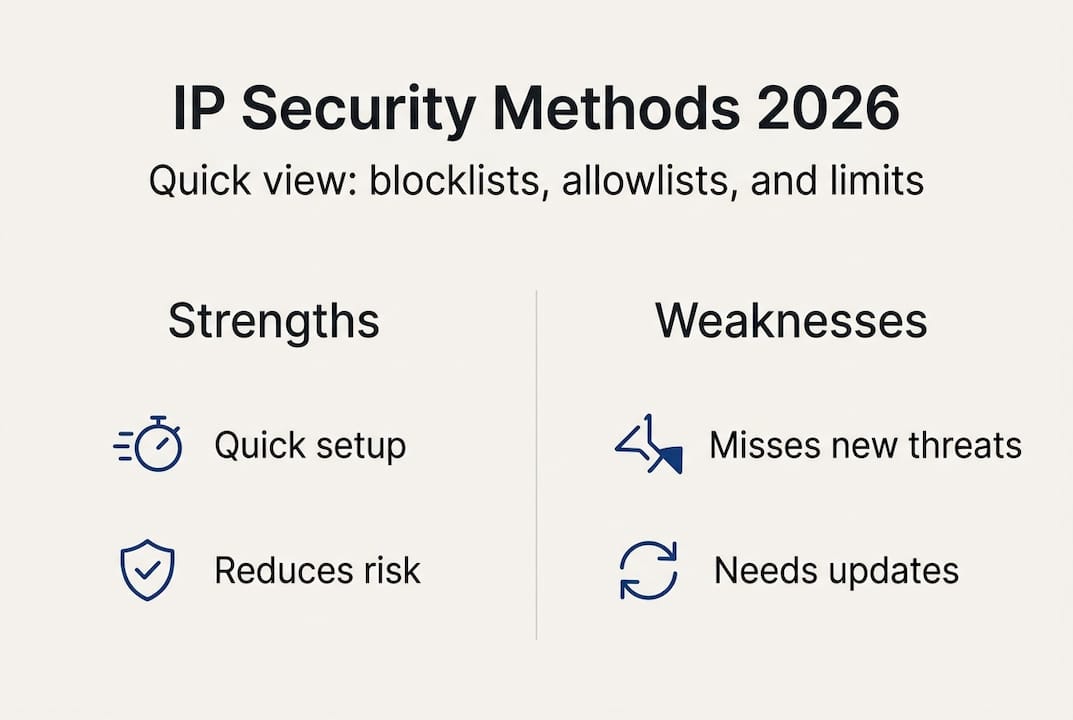
Blocklists and allowlists are the most widely used IP-based security controls. A blocklist prevents connections from specific IP addresses known to be malicious. An allowlist (sometimes called a whitelist) does the opposite: it permits only pre-approved IP addresses to access a resource. Both approaches are easy to implement and can reduce your attack surface quickly.
The strengths are real. Allowlisting your internal office IP ranges for access to sensitive admin panels, for example, immediately eliminates a vast category of opportunistic attacks. You can check whether your IP is blacklisted to ensure your own business communications are not being blocked by other organisations' security systems.
However, the weaknesses are equally real. Static lists become outdated fast. Attackers rotate through fresh IP addresses specifically to evade blocklists, and as the GreyNoise data confirms, over half of exploits come from IPs with no prior history. Understanding the difference between static and dynamic IP addresses also matters here: dynamic IPs change regularly, making static blocklists even less reliable against sophisticated attackers.
| Approach | Strengths | Weaknesses |
|---|---|---|
| Static blocklist | Simple, fast to deploy | Misses new and unseen IPs |
| Static allowlist | Strong access control | Inflexible, hard to maintain at scale |
| Dynamic IP intelligence | Adapts to emerging threats | Requires ongoing tooling and monitoring |
| Zero Trust Network Access (ZTNA) | Verifies identity, not just IP | More complex to implement |
IP methods reduce attack surface but fail when used alone. Layering IP controls with identity verification and multi-factor authentication (MFA) is essential. The security industry is increasingly shifting towards Zero Trust Network Access, which treats every connection as untrusted regardless of IP origin.
Pro Tip: Use the blacklist checker tool regularly to monitor your business IP's reputation. If your IP appears on a blocklist, your emails may be blocked and your services flagged as suspicious by other organisations' security systems.
To apply these concepts effectively, let us look at practical steps and tools for protecting your business using IP intelligence.
Best practices for using IP intelligence in business security
IP intelligence refers to the active, ongoing process of gathering, analysing, and acting on data about IP addresses that interact with your systems. It goes beyond a one-time check. The GreyNoise 2026 data makes clear that unseen IPs carry the highest risk, which means dynamic monitoring is not optional. It is a baseline requirement.
Understanding IP geolocation explained helps your team contextualise where threats originate and whether access patterns align with your legitimate user base. Pairing this with geolocation accuracy in security ensures your team understands the precision and limitations of location data before acting on it.
Here are the core practices every business should implement:
- Run regular IP reputation checks on your own business IPs and those of key partners
- Integrate IP data into your SIEM (Security Information and Event Management) platform for centralised monitoring
- Set geolocation-based access rules to block or flag connections from regions outside your operational footprint
- Monitor for proxy and VPN usage among inbound connections, as these can mask true origins
- Review access logs weekly and investigate any IPs that appear repeatedly without a clear business reason
- Maintain a dynamic blocklist that updates automatically from threat intelligence feeds rather than relying on manual updates
A practical example: a mid-sized UK retailer noticed repeated login attempts to their e-commerce admin panel from IP addresses registered in multiple countries within a short window. By cross-referencing those IPs against a cybersecurity IP guide and running them through a reputation tool, they identified a credential-stuffing attack in progress and blocked the offending ranges before any accounts were compromised.
Pro Tip: Integrate IP analysis with MFA at every privileged access point. Even if an attacker uses a clean IP address, requiring a second authentication factor stops the majority of automated intrusion attempts cold.
Having outlined the best practices, we will now connect the topic with tools that make IP intelligence accessible for businesses.
Connect your business with IP intelligence tools
Understanding IP threats is one thing. Having the right tools to act on that knowledge is another. At InstantIPLookup.com, we provide real-time IP lookup and geolocation services designed specifically for businesses that need fast, reliable answers about the connections touching their networks.
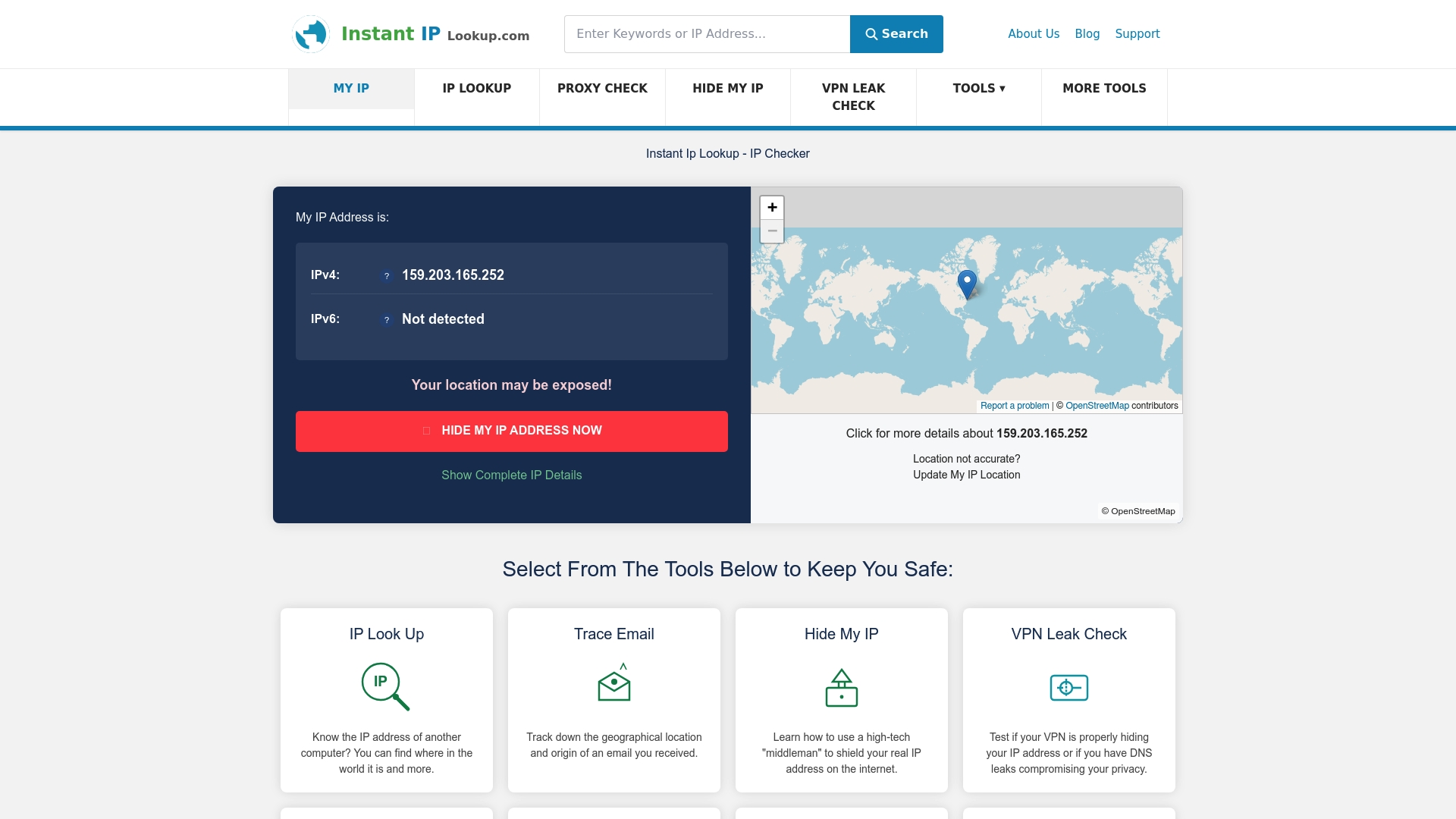
Our IP lookup tool lets you instantly identify the ISP, geographic location, and network details behind any IP address. Whether you are investigating a suspicious login or auditing your own network's exposure, the IP lookup guide for cybersecurity walks you through exactly how to use IP data for security and network management decisions. For IT teams and business leaders who want to understand the broader picture, our guide on the role of IP in IT support covers practical troubleshooting and security applications in detail. Start using IP intelligence proactively and give your business the visibility it needs to stay ahead of threats.
Frequently asked questions
Can IP addresses alone keep businesses secure?
IP controls reduce attack surface but must be layered with identity checks and multi-factor authentication for full protection. Relying solely on IP filtering leaves significant gaps that determined attackers will exploit.
What is the risk of unseen IP addresses?
52% of remote code execution attacks originate from previously unseen IPs, making dynamic monitoring essential rather than optional. Static blocklists simply cannot account for addresses that have never appeared in threat databases.
How do businesses use IP geolocation for security?
Companies track IP locations to detect suspicious access patterns and rapidly respond to anomalies, using geolocation for anomaly detection as a core part of their monitoring strategy. An unexpected login from an unfamiliar country is often the first visible sign of a compromised account.
Why are static IP blocklists not enough?
Static IP lists miss new threats because attackers deliberately rotate through fresh addresses. A shift to ZTNA over static lists combined with dynamic intelligence provides far stronger protection against modern attack methods.
What practical tools help businesses manage IP security?
IP lookup tools and geolocation trackers enable quick identification and monitoring of suspicious traffic, with IP monitoring using logs and geolocation forming the backbone of most effective business security programmes. Platforms like InstantIPLookup.com make these capabilities accessible without requiring specialist infrastructure.
Recommended
- Everything You Need To Know About IP Addresses And Why They Matter In 2025 - Instant Ip Lookup
- Protect Your Online Privacy in 2026: Key Data Tips
- Role of IP in IT support: security & troubleshooting 2026
- Understanding the role of IP addresses in website security
- Understand cyber threats in business security 2026
- Why Cybersecurity Is a Business Priority in 2026: Strategies & Compliance | Heights Consulting Group